
How to Generate a POT File: The Essential Guide for WordPress Developers
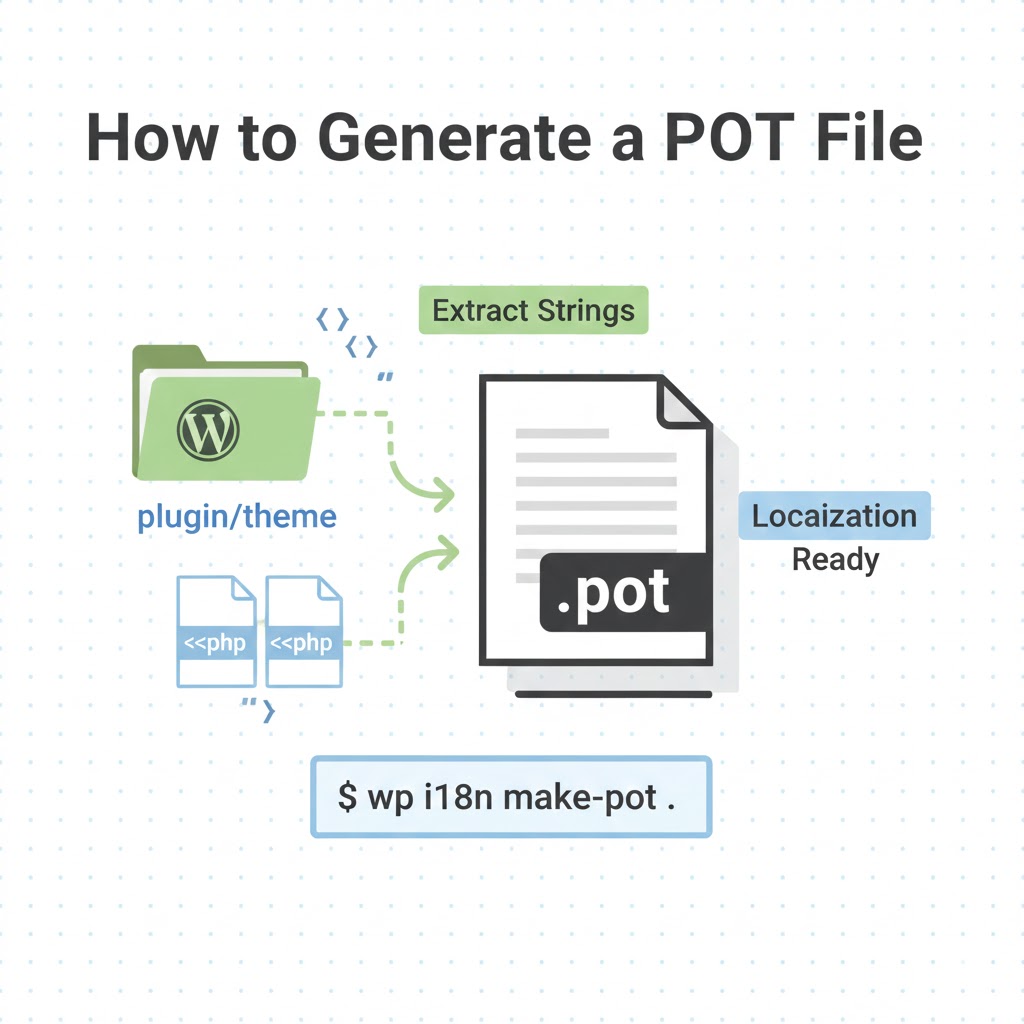
If you want your WordPress plugin or theme to reach a global audience, localization isn't just a "nice-to-have"—it is a requirement. However, before you can start translating your work into Spanish, French, or Hindi, you need a POT (Portable Object Template) file.
In this guide, we will look at how to extract these files using traditional methods and why this step is the foundation of a professional translation workflow.
What is a POT File, Anyway?
Think of a POT file as a "blank map" of your software. It doesn't contain the actual translations; instead, it serves as a master template that lists every single translatable string found within your code.
When you decide to support a new language, you use this POT file to create a PO (Portable Object) file for that specific language. Eventually, these are compiled into MO (Machine Object) files, which are the only files WordPress actually reads to display the translated text.
The Classic Workflow: How to Extract Your POT File
Before you can generate a file, your code must be "translatable." This means every bit of user-facing text must be wrapped in WordPress localization functions, such as __(), _e(), or _n().
Once your code is ready, you can use several "classic" developer methods to pull those strings into a .pot file:
1. Using WP-CLI (The Developer’s Standard)
For those comfortable with the command line, WP-CLI is the most efficient way to generate a POT file. By using the wp i18n make-pot command, the tool scans your entire directory and automatically bundles every string into a correctly formatted gettext template. This ensures that metadata, such as msgctxt (context) and developer comments, are preserved.
2. The WordPress.org Method
If you host your plugin or theme in the official WordPress repository, their systems automatically scan your code. While you can download a generated POT file directly from the "Development" tab of your plugin page, many developers prefer generating their own locally to ensure the file reflects their very latest, unreleased changes.
3. Manual Extraction Tools
Traditional tools like Poedit have long been used to scan local folders for strings. While these tools are reliable for basic extraction, they are often local-only, meaning the file stays on your machine and lacks a cloud-based history or easy project management.
Preparation Checklist
Before moving to the translation phase, double-check your generated POT file for these three things:
- Completeness: Does it reflect the absolute latest version of your application?
- Cleanliness: Are there any duplicate entries or "ghost strings" from old versions of your code?
- Safety: Ensure that placeholders like
%sor%dand HTML fragments are intact within themsgid.
The Next Step: From Template to Translation
Once you have your POT file, the real work begins: turning that template into actual language files. While manual translation in a text editor is possible, it is incredibly error-prone—one accidentally deleted bracket in a placeholder can break your entire UI.
For developers looking for a more "WordPress-native" way to handle the next phase, we recommend moving into a structured workflow. A modern approach is to use a dedicated platform like POForge to handle the POT to PO and MO translation.
Instead of fighting with manual tools, you can simply upload your POT file to a browser-based environment that understands gettext context. It uses AI specifically tuned for UI text (not just generic prose) to generate translations while protecting your code's variables and HTML.
Why This Matters for Your Product
Using a professional workflow—starting with a clean POT file and moving into a managed translation environment—saves significant time and money. It allows you to use Translation Memory, meaning once you translate a string, you never have to pay for it or edit it again, even if you release ten new versions of your plugin.
Analogy for Understanding: Generating a POT file is like building the blueprints for a house. You haven't picked the paint colors or the furniture yet (the translations), but you have defined exactly where every room and window is. If the blueprints are wrong, the house will never stand straight, no matter how good the painter is. Following the classic extraction methods ensures your "blueprints" are perfect before the "painters" arrive.